Two-factor authentication (2FA)
Two-factor authentication adds an extra layer of security to your ContaDigital account. When enabled, each login requires a 6-digit code sent to your email address in addition to your password. Codes expire 10 minutes after they are sent.

Enable 2FA
1. From the user menu in the top-right corner click Contul meu.

2. Open the Date Cont tab. At the bottom of the page you will find the Autentificare in doi pasi card.
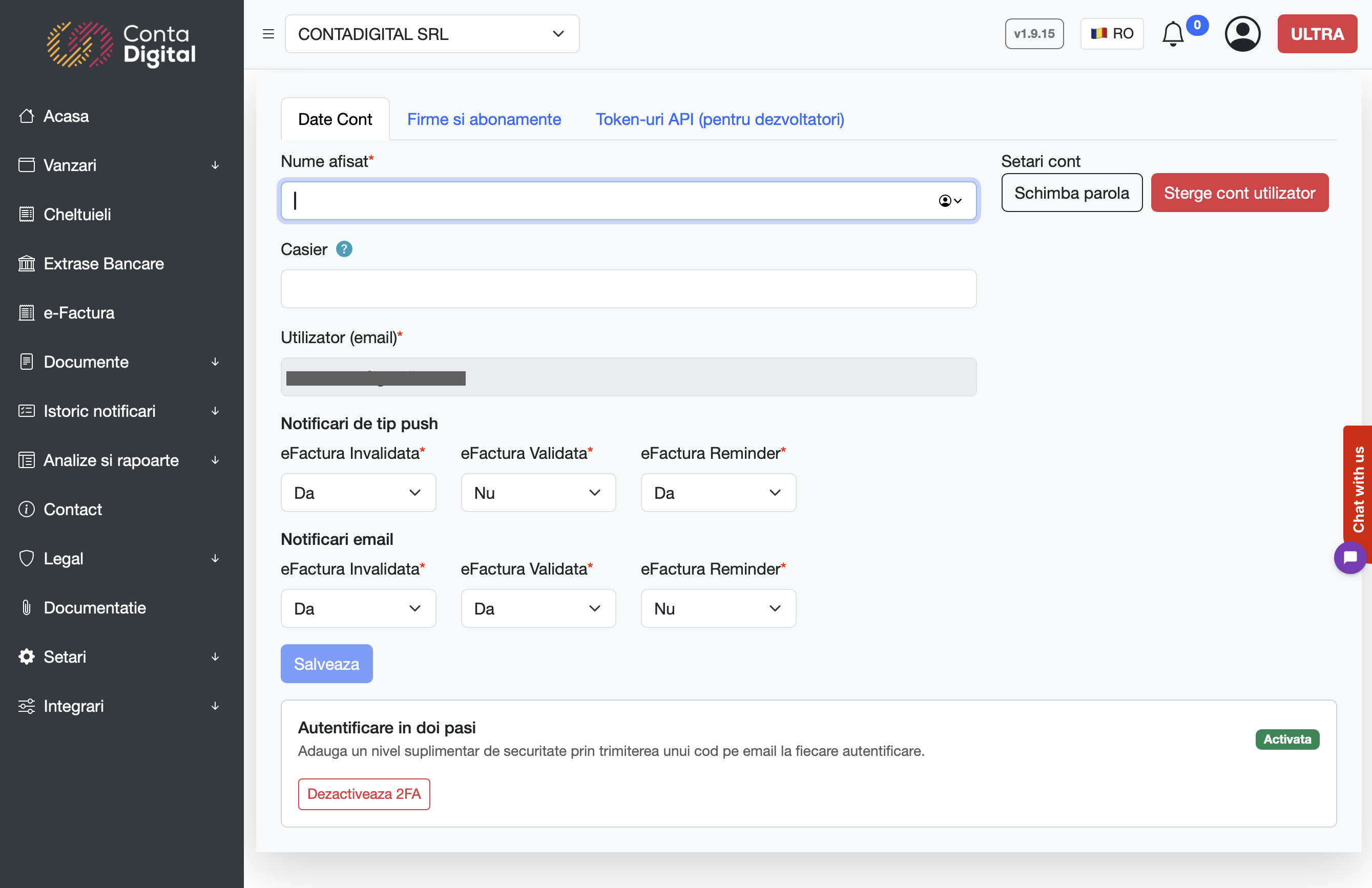
3. Click Activeaza 2FA — we email a 6-digit verification code to the address on your account. The card expands with a code input field while the status stays Dezactivata.
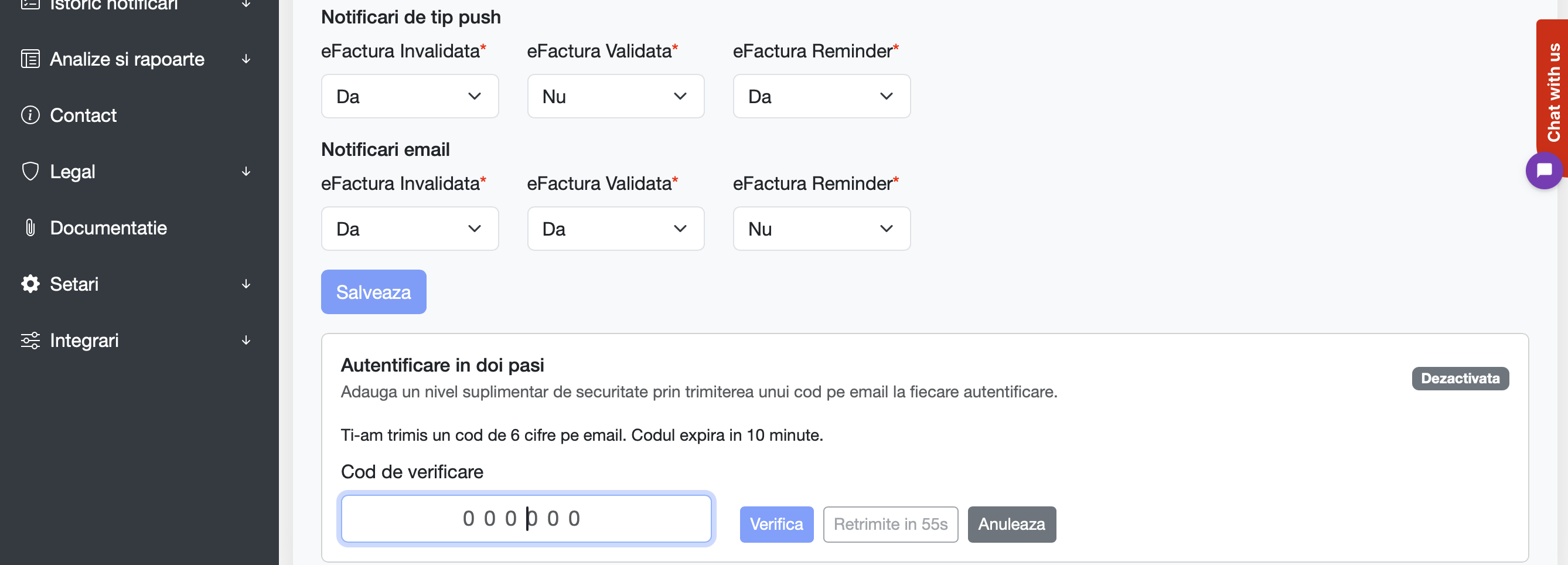
4. Open the email titled Cod autentificare ContaDigital, paste the code into the verification field and click Verifica. The status badge switches to Activata and 2FA is now required on every login.
Disable 2FA
1. From the same Autentificare in doi pasi card click Dezactiveaza 2FA. We email a fresh 6-digit code and the card expands with the verification field while the status stays Activata.
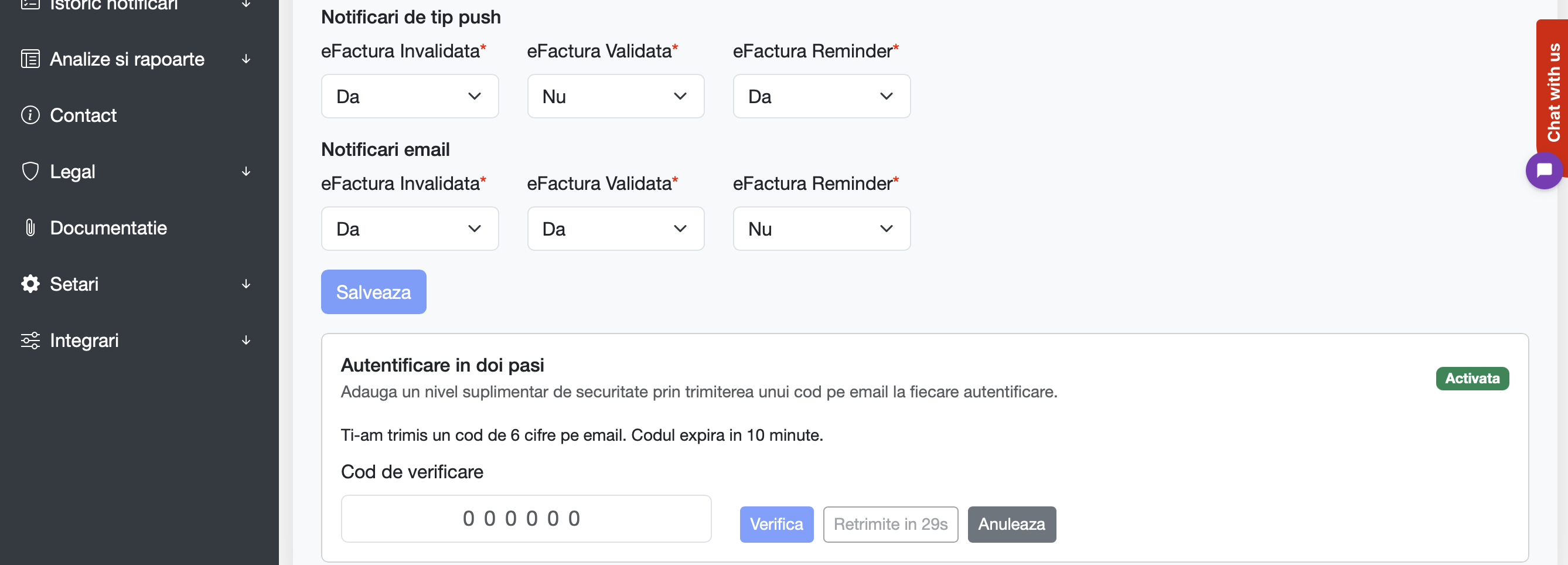
2. Enter the code from the email and click Verifica. The status badge switches back to Dezactivata.
Logging in with 2FA
1. Enter your email and password on the login screen as usual.
2. You will be redirected to the verification screen below. Open your inbox, copy the 6-digit code and paste it. Click Verifica to finish signing in.
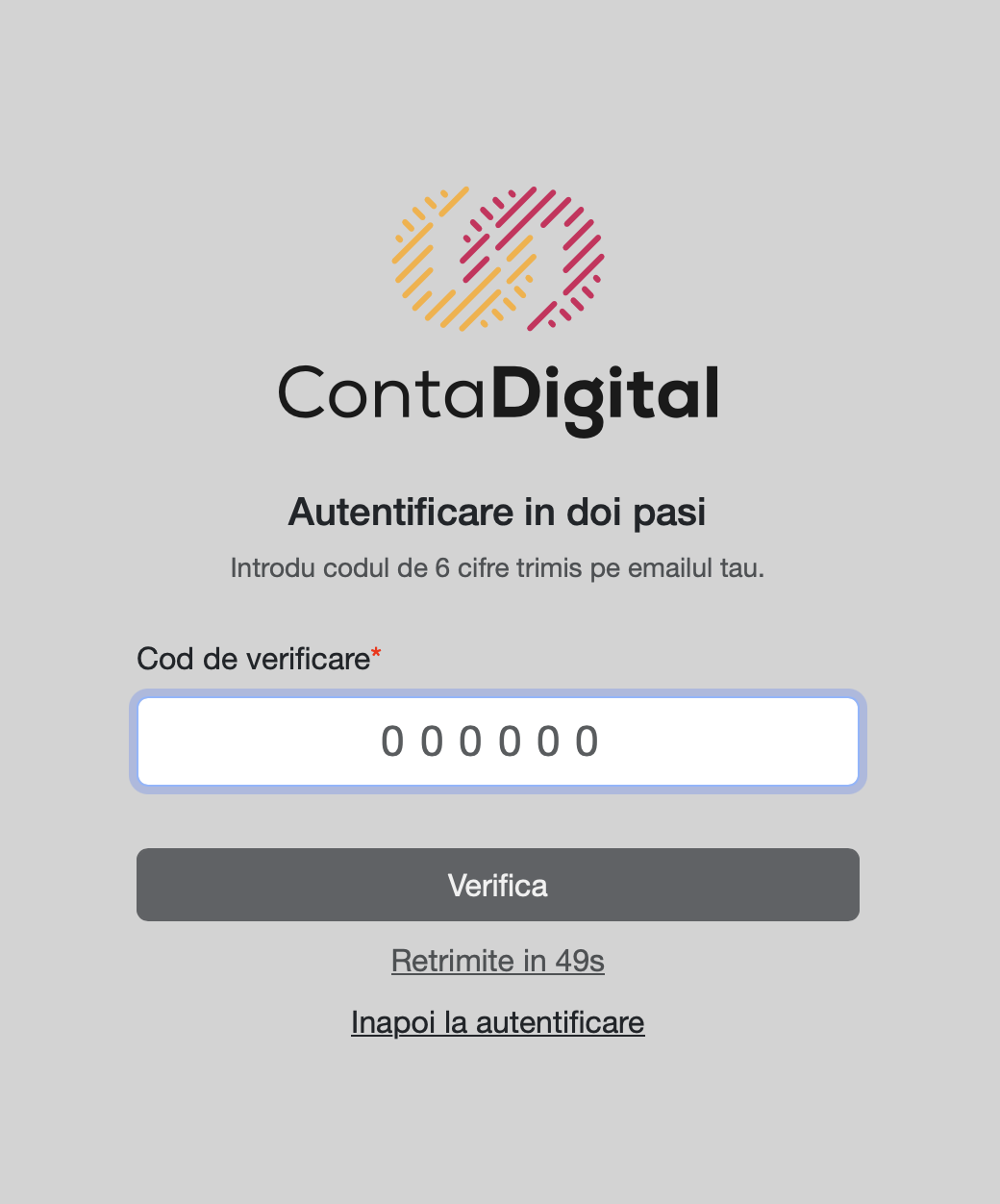
Notes and limits
- Codes are valid for 10 minutes. After they expire you need to request a new one.
- You can request a new code at most once every 60 seconds, and up to 5 codes per hour for the same action.
- After 5 incorrect attempts the current code is locked and you must request a new one.
- If you lose access to your email, please contact us at office@contadigital.ro to restore access.